How to Analyze AWS Account Details and Find Hidden Cloud Cost Savings
How to Analyze AWS Account Details and Find Hidden Cloud Cost Savings
If your AWS bill keeps climbing but you’re not sure exactly where the money is going, you’re not alone. Most engineering and DevOps teams are sitting on hundreds or even thousands of dollars in monthly waste — idle EC2 instances, forgotten snapshots, oversized RDS databases — and they don’t realize it until someone finally digs in.
This guide is for cloud architects, DevOps engineers, and anyone responsible for AWS cost management who wants to stop guessing and start making smart, data-backed decisions about cloud spending.
Here’s what we’ll walk through together:
- Getting real visibility into your AWS account — breaking down your account structure and setting up the right AWS cost management tools so you can actually see where every dollar goes
- Spotting underutilized AWS resources — the ones quietly draining your budget every month without delivering any real value
- Building smarter purchasing strategies — including when an AWS Reserved Instances strategy makes sense versus on-demand, and how AWS tagging best practices tie everything together for clean cost allocation
By the end, you’ll have a clear action plan to cut AWS costs in a way that sticks — not just a one-time cleanup, but a repeatable process your team can run every quarter.
Understanding Your AWS Account Structure

Identify All Active AWS Accounts and Linked Accounts
Start by pulling a full list of accounts through AWS Organizations.
Map Resource Ownership Across Teams and Departments
Tag resources by team to track spending clearly.
Recognize Which Services Drive the Most Spending
- EC2, RDS, and data transfer typically top AWS costs
- AWS Cost Explorer reveals your biggest spenders fast
Setting Up the Right Cost Visibility Tools
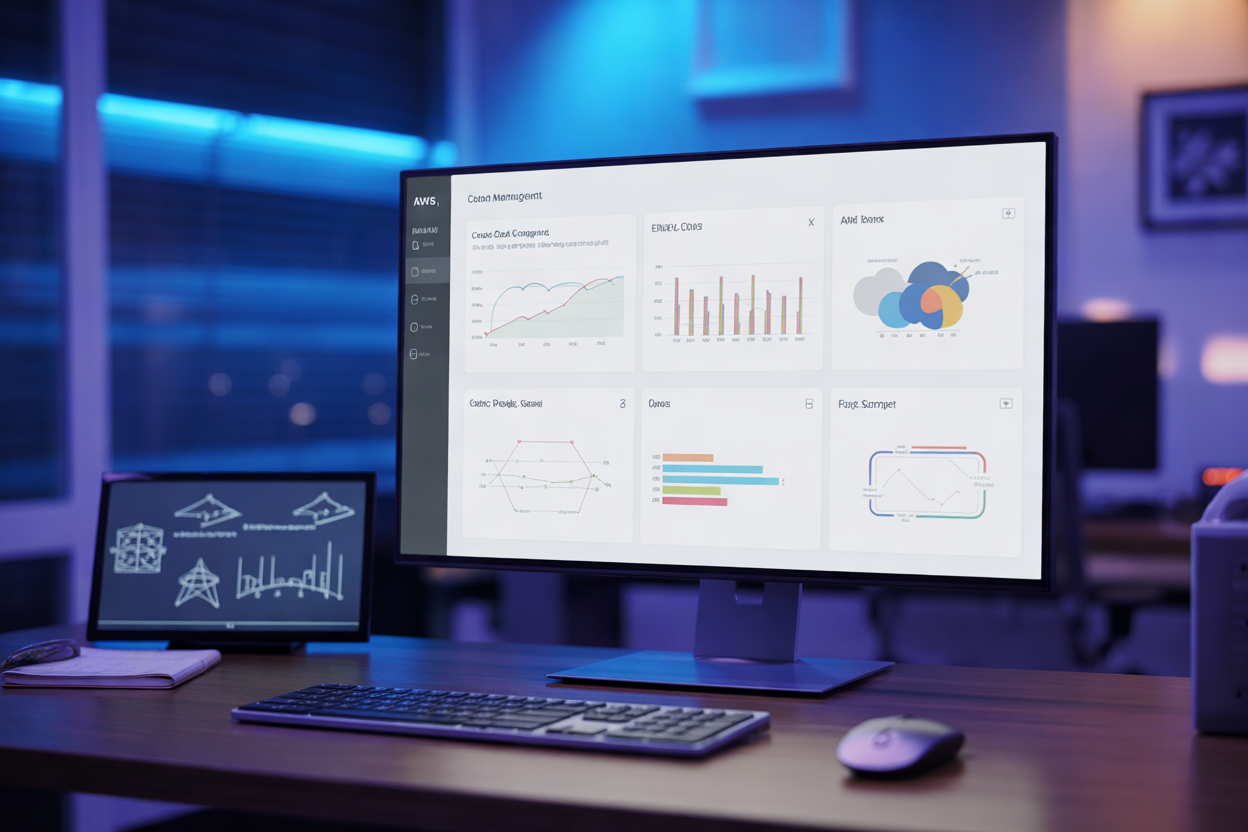
A. Enable AWS Cost Explorer
Track spending trends and spot anomalies across services instantly.
B. Configure AWS Budgets
Set real-time alerts before costs spiral out of control.
C. Use Cost and Usage Reports
Get granular AWS cost allocation data for deeper analysis.
D. Leverage Trusted Advisor
Get automated cloud cost savings recommendations immediately.
Identifying Wasteful and Underutilized Resources

Detect Idle EC2 Instances and Right-Size Them
Check CPU and memory metrics in CloudWatch — anything below 10% utilization is burning money.
Find Unattached EBS Volumes and Unused Snapshots
Orphaned volumes quietly rack up charges. Delete snapshots older than 90 days with no active instance attached.
Optimizing Purchasing Strategies to Cut Costs

A. Switch Eligible Workloads to Reserved Instances for Long-Term Savings
Commit 1–3 years on predictable workloads and slash costs up to 72%.
B. Apply Savings Plans for Flexible Compute Discounts
Savings Plans cover EC2, Lambda, and Fargate—more flexibility than RIs.
C. Use Spot Instances for Interruptible Workloads
- Batch jobs, CI/CD pipelines
- Up to 90% cheaper than On-Demand
Reducing Storage and Data Transfer Expenses

Implement S3 Lifecycle Policies to Tier Data Automatically
Move infrequently accessed data to S3-IA or Glacier automatically using lifecycle rules.
Compress and Deduplicate Data to Lower Storage Footprint
Compression cuts storage costs significantly across EBS and S3.
Minimize Cross-Region Data Transfer With Smarter Architecture
Keep services in the same region to avoid expensive cross-region charges.
Enforcing Tagging and Cost Allocation Best Practices

Define a Consistent Tagging Strategy Across All Resources
Without proper AWS tagging best practices, your AWS cost allocation becomes guesswork. Tag every resource by environment, team, and project.
Use Cost Allocation Tags to Attribute Spending Accurately
Activate tags in Billing Console to track exact team spending.
Audit and Fix Missing or Incorrect Tags Regularly
Run AWS Config rules to catch untagged resources instantly.
Building a Continuous Cost Optimization Process

Schedule Regular Cost Review Meetings With Stakeholders
- Monthly reviews keep everyone accountable for AWS cost optimization goals.
Set Automated Alerts to Catch Unexpected Spending Spikes
- AWS Budgets alerts flag anomalies before they spiral.
Track Savings Over Time to Demonstrate ROI
- Document reductions in cloud spending to prove the value of your AWS cost management efforts.

Managing AWS costs doesn’t have to feel like searching for a needle in a haystack. By getting a clear picture of your account structure, setting up the right visibility tools, and regularly auditing for wasted resources, you can start uncovering savings that were hiding in plain sight. Smarter purchasing strategies, tighter storage management, and consistent tagging practices all work together to keep your cloud spending under control.
The real key here is making cost optimization an ongoing habit rather than a one-time project. Set up the processes, check in regularly, and keep refining your approach as your AWS environment grows and changes. Even small, consistent improvements add up fast, and the money you save can go right back into building the things that actually matter for your business. Start digging into your account today — your next big saving might be just a few clicks away.
The post How to Analyze AWS Account Details and Find Hidden Cloud Cost Savings first appeared on Business Compass LLC.
from Business Compass LLC https://ift.tt/uDQSrhX
via IFTTT


Comments
Post a Comment