Amazon EKS Networking Architecture: DNS, Load Balancers, Ingress, Services, and Pods
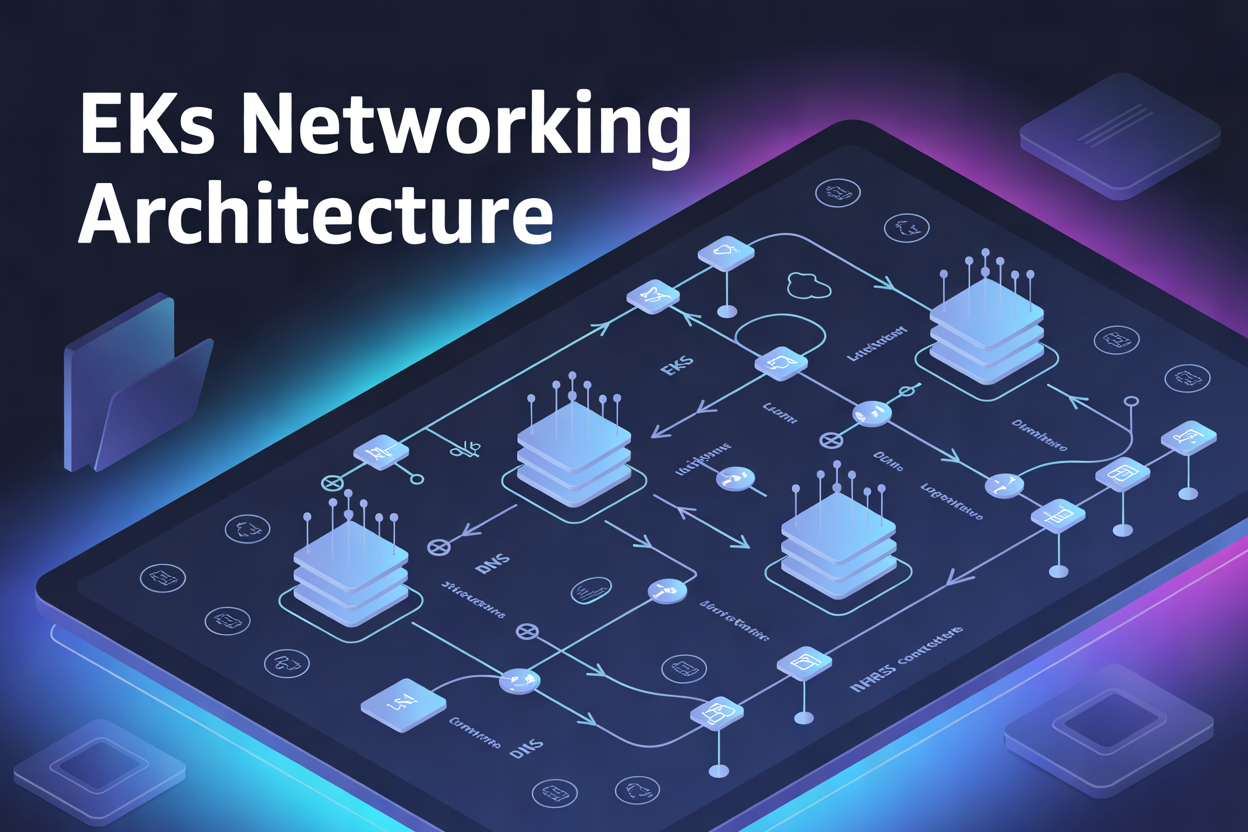
Amazon EKS Networking Architecture: DNS, Load Balancers, Ingress, Services, and Pods
If you’re running workloads on Amazon EKS and traffic isn’t flowing the way you expect, the problem almost always comes down to networking. Maybe your pods can’t talk to each other, your load balancer isn’t picking up traffic, or external requests never make it past the cluster boundary. These aren’t edge cases — they’re the kinds of things that trip up even experienced engineers.
This guide is for DevOps engineers, platform teams, and developers who are building or managing production-grade applications on Amazon EKS and need a clear picture of how all the networking pieces fit together.
Here’s what we’ll walk through:
- Kubernetes DNS configuration in EKS — how service discovery actually works inside your cluster and what to do when it breaks
- EKS load balancer setup and Ingress controllers — the difference between the two, when to use each, and how to route external traffic cleanly
- EKS pod networking — how pods get IP addresses, how they communicate across nodes, and what the AWS VPC CNI plugin is doing behind the scenes
By the end, you’ll have a solid mental model of Amazon EKS cluster networking — and enough practical knowledge to troubleshoot, tune, and build on top of it with confidence.
Understanding the Core Components of Amazon EKS Networking

How EKS Networking Differs from Traditional Kubernetes Setups
Amazon EKS networking integrates directly with AWS VPC, giving pods real IP addresses from your subnet — unlike vanilla Kubernetes using overlay networks.
Key Networking Layers That Power EKS Clusters
- VPC CNI, CoreDNS, Load Balancers, Services
Why a Strong Networking Foundation Improves Cluster Performance
Solid Amazon EKS cluster networking cuts latency and prevents bottlenecks.
Mastering DNS in Amazon EKS
How CoreDNS Resolves Service Names Within the Cluster
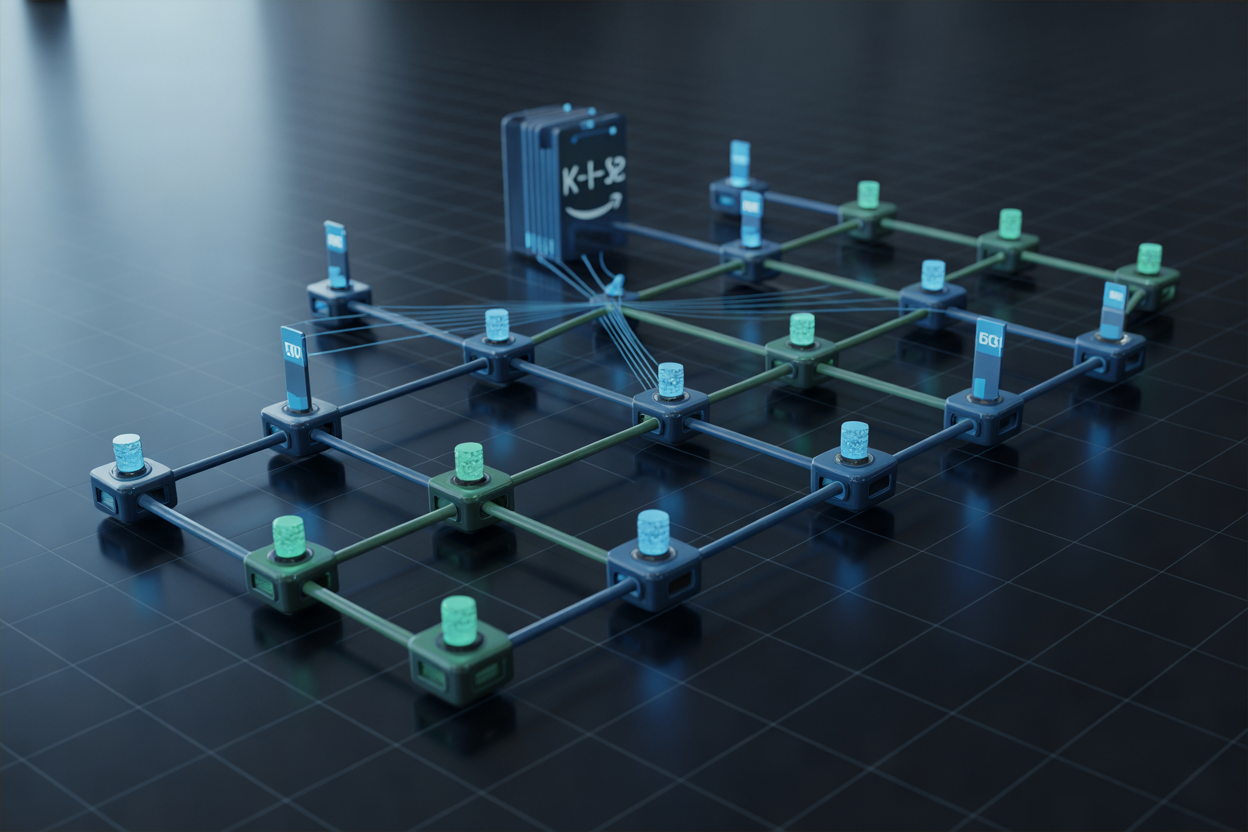
CoreDNS handles Kubernetes DNS configuration by mapping service names to ClusterIPs. When a pod queries my-service.default.svc.cluster.local, CoreDNS intercepts it, checks its records, and returns the right IP — enabling seamless Kubernetes service discovery across your Amazon EKS cluster networking setup.
Leveraging Load Balancers for Reliable Traffic Distribution

Classic vs. Network vs. Application Load Balancers in EKS
- CLB: Legacy option, limited features
- NLB: Best for TCP/UDP, low latency
- ALB: Ideal for HTTP/HTTPS routing
Using the AWS Load Balancer Controller to Automate Provisioning
Automates EKS load balancer setup, managing ALB/NLB provisioning directly from Kubernetes annotations.
Configuring Health Checks to Ensure High Availability
Target group health checks drop unhealthy pods automatically.
Simplifying External Access with Ingress Controllers

Why Kubernetes Ingress Controllers Beat Individual Service Exposures
The AWS ALB Ingress Controller handles path-based routing, TLS termination, and multi-app traffic through one resource—cutting costs and complexity. Instead of spinning up separate load balancers per service, a single Ingress consolidates rules. Always monitor Ingress annotations closely; misconfigurations silently break routing in Amazon EKS networking.
Connecting Workloads Effectively with Kubernetes Services
ClusterIP, NodePort, and LoadBalancer Service Types Explained
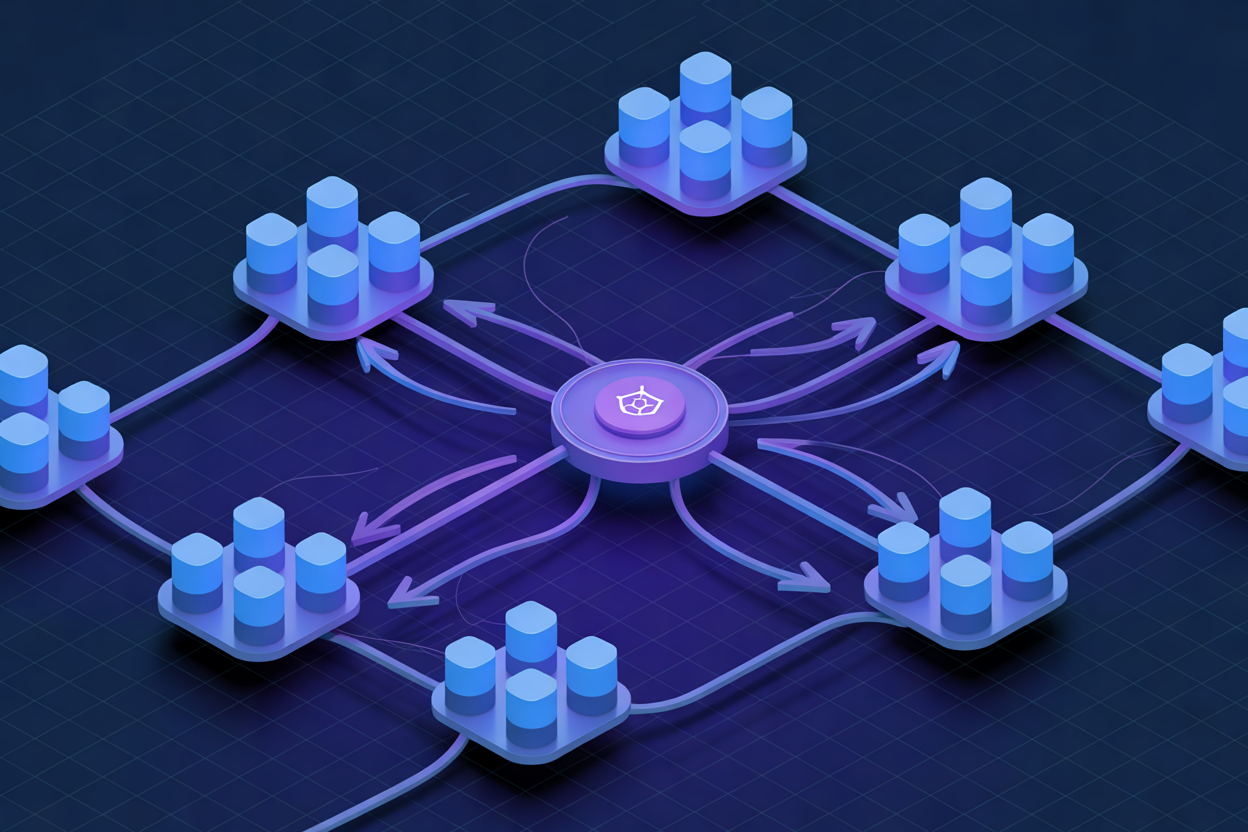
AWS EKS services come in three flavors:
- ClusterIP – internal-only traffic
- NodePort – exposes pods via node ports
- LoadBalancer – spins up an AWS ELB automatically
Headless services skip the virtual IP, letting stateful apps like databases connect directly to specific pods using stable DNS entries and label-based selectors.
Optimizing Pod Networking for Maximum Efficiency

How the AWS VPC CNI Plugin Assigns IPs Directly to Pods
EKS pod networking uses the AWS VPC CNI plugin, giving each pod a real VPC IP address—no NAT needed.
Enforcing Security Boundaries with Network Policies
- Block unwanted pod-to-pod traffic using Calico or native network policies.
Scaling Pod Communication Without Sacrificing Performance
- Direct VPC routing keeps latency minimal at scale.

Getting a handle on Amazon EKS networking might seem overwhelming at first, but once you break it down into its core pieces — DNS, load balancers, ingress controllers, services, and pod networking — it starts to make a lot more sense. Each layer plays a specific role in keeping your workloads running smoothly, traffic flowing where it needs to go, and your applications reachable from the outside world.
The real power comes from understanding how these pieces work together. CoreDNS keeps your service discovery sharp, load balancers handle traffic distribution without breaking a sweat, ingress controllers clean up external access, Kubernetes services tie your workloads together, and solid pod networking keeps everything talking efficiently under the hood. If you’re running workloads on Amazon EKS or planning to, take the time to dial in each of these areas — small improvements at each layer can add up to a much more stable, performant, and cost-effective cluster.
The post Amazon EKS Networking Architecture: DNS, Load Balancers, Ingress, Services, and Pods first appeared on Business Compass LLC.
from Business Compass LLC https://ift.tt/vZySLz8
via IFTTT


Comments
Post a Comment