AWS VPC Architecture: Public vs Private Subnets, NAT, and Internet Gateways
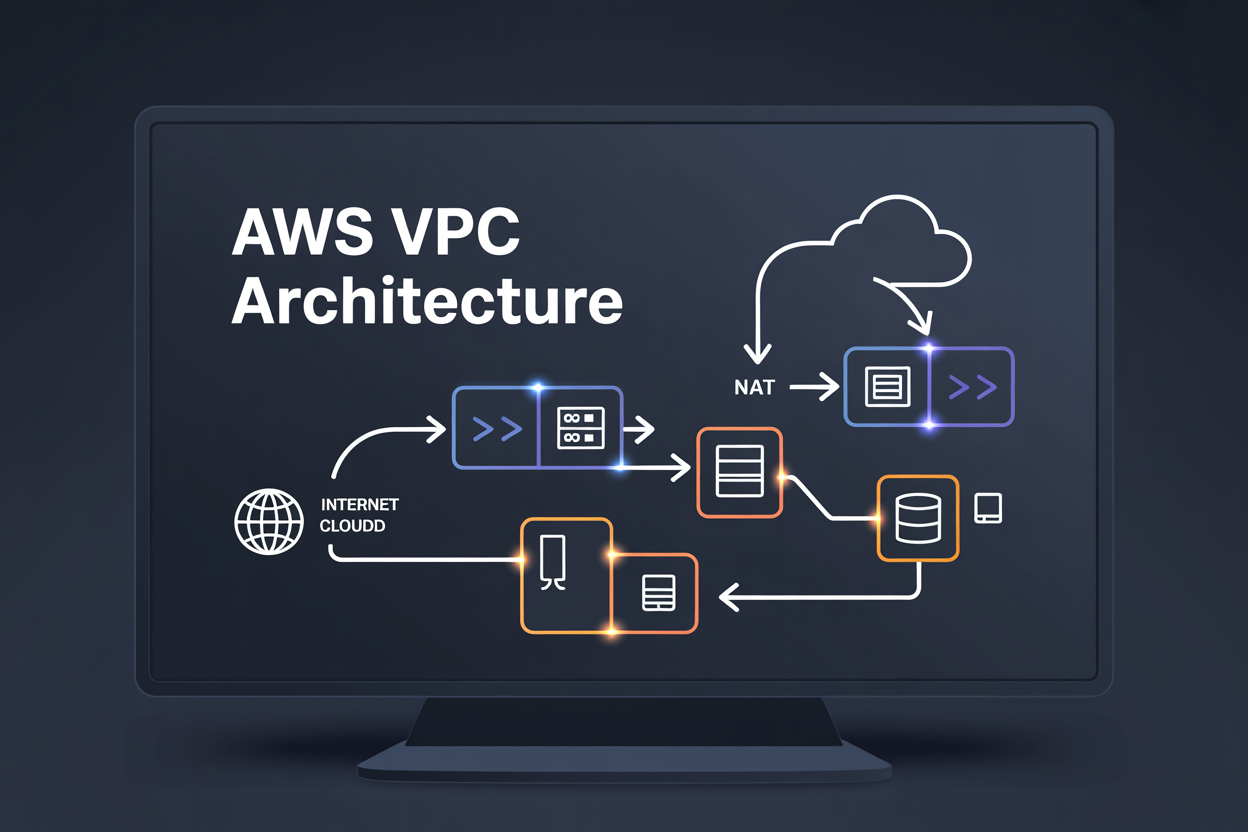
AWS VPC Architecture: Public vs Private Subnets, NAT, and Internet Gateways
If you’re building anything on AWS, you’ll run into VPC architecture pretty quickly — and getting it wrong means either locking down your resources too tightly or leaving them exposed to the internet.
This guide is for cloud engineers, DevOps practitioners, and developers who want to stop guessing and start building AWS VPC setups that are actually secure and scalable.
Here’s what we’ll walk through:
- Public vs private subnets — what makes them different and when to use each
- Internet Gateways and NAT Gateways — how traffic flows in and out of your VPC depending on where your resources live
- Putting it all together — how these components work as a system to protect sensitive workloads without cutting off the access your apps need
By the end, you’ll have a clear mental model of how AWS VPC networking fits together — and a solid foundation for designing infrastructure that doesn’t keep you up at night.
Understanding AWS VPC and Why It Matters for Your Cloud Infrastructure
What a VPC Is and How It Isolates Your Cloud Resources
AWS VPC architecture gives you a private, logically isolated network inside AWS. Think of it as your own slice of the cloud where you control IP ranges, subnets, and traffic rules — keeping your resources completely separated from other AWS customers sharing the same physical infrastructure.
Public Subnets Explained: Enabling Direct Internet Access for Your Resources
How Public Subnets Work in AWS VPC
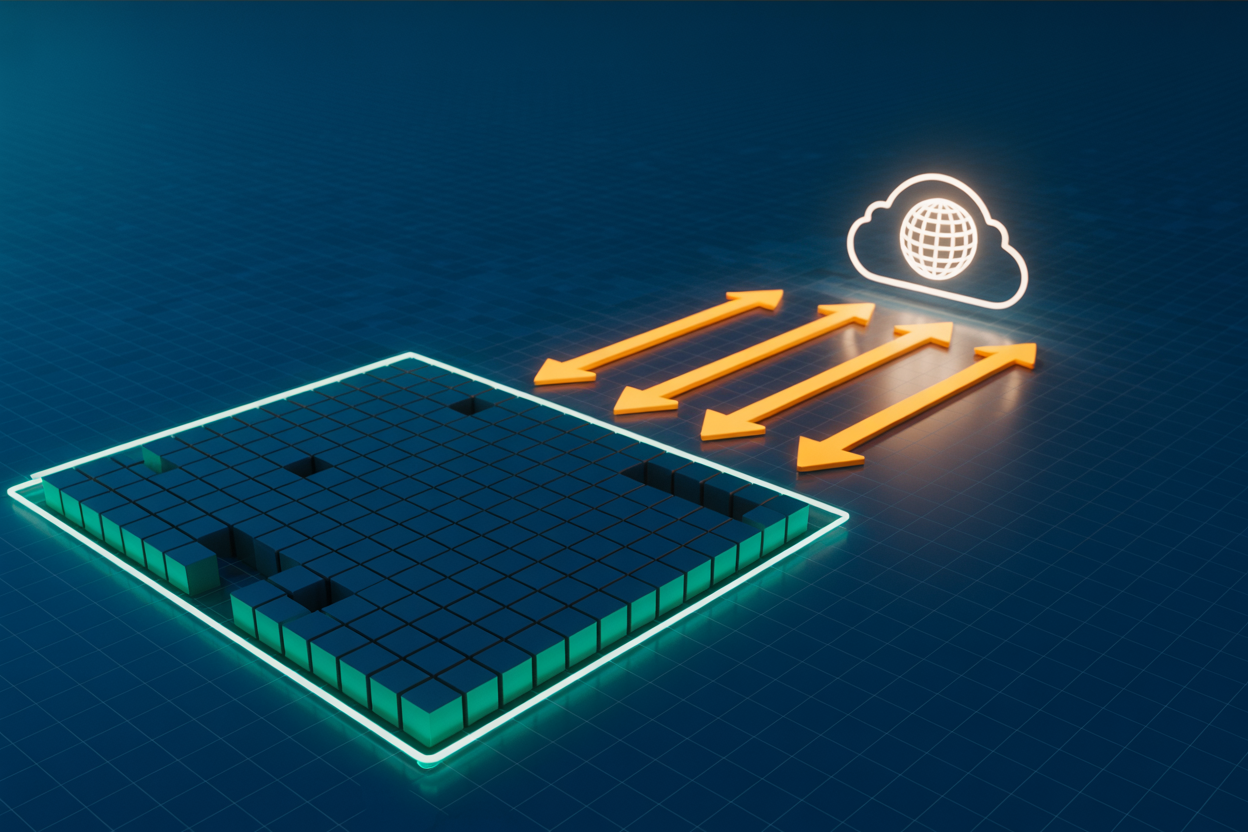
A public subnet has a route to an internet gateway, giving resources like load balancers and web servers direct internet access. Assign a public IP, update the route table with 0.0.0.0/0 pointing to the IGW, and your subnet goes public—perfect for customer-facing applications needing real-time connectivity.
Private Subnets Explained: Protecting Sensitive Resources from Direct Exposure
How Private Subnets Differ from Public Subnets in Practice
Private subnets have no direct internet gateway route, blocking all inbound public traffic.
Types of Workloads Best Suited for Private Subnets
- Databases, application servers, internal APIs
How Route Tables Enforce Traffic Isolation in Private Subnets
Route tables simply omit the internet gateway, keeping resources invisible externally while allowing internal VPC communication.
Internet Gateways: Your VPC’s Direct Path to the Public Internet
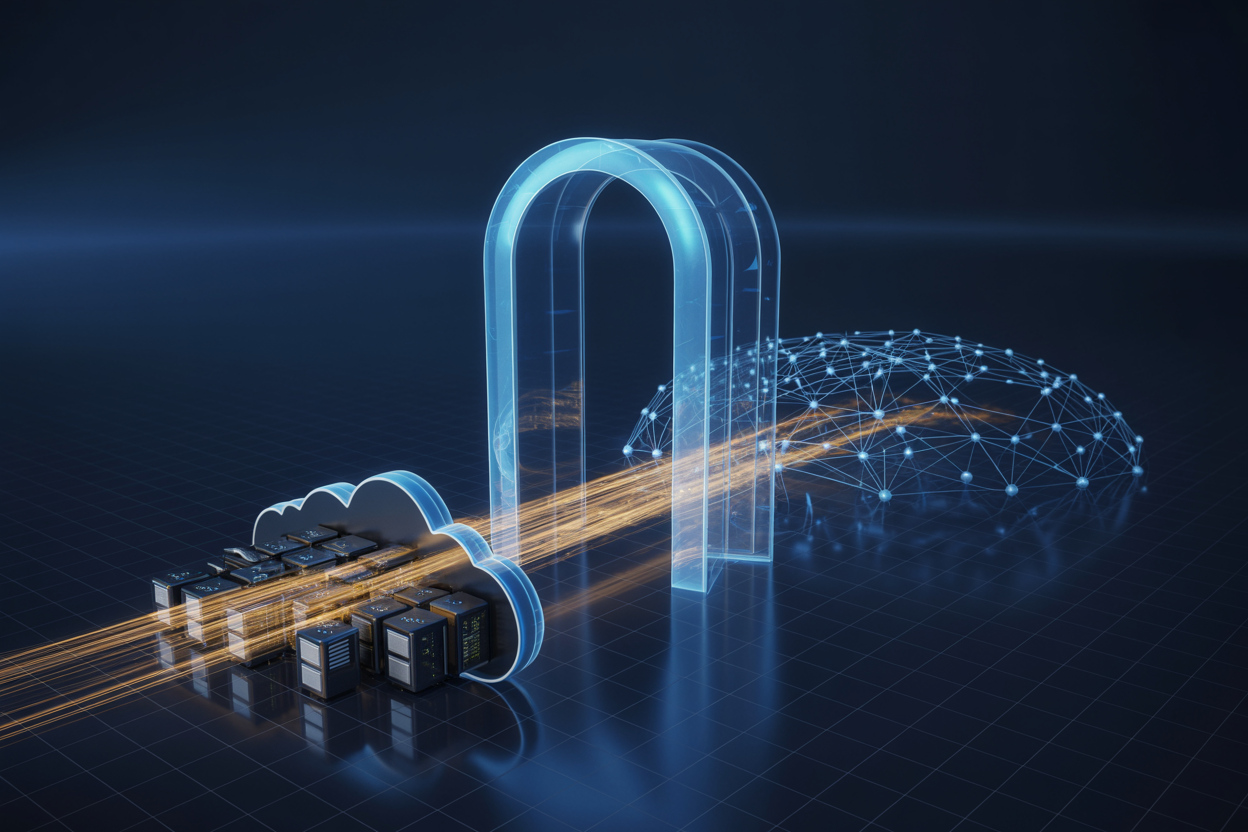
What an Internet Gateway Does and How It Connects to Your VPC
An internet gateway is a horizontally scaled, redundant VPC component enabling communication between your VPC and the internet. It performs NAT for instances with public IPs.
Key facts:
- One gateway per VPC
- Attach via Console or CLI
- Supports inbound and outbound traffic
- No bandwidth limits imposed
NAT Gateways and NAT Instances: Giving Private Resources Secure Outbound Access
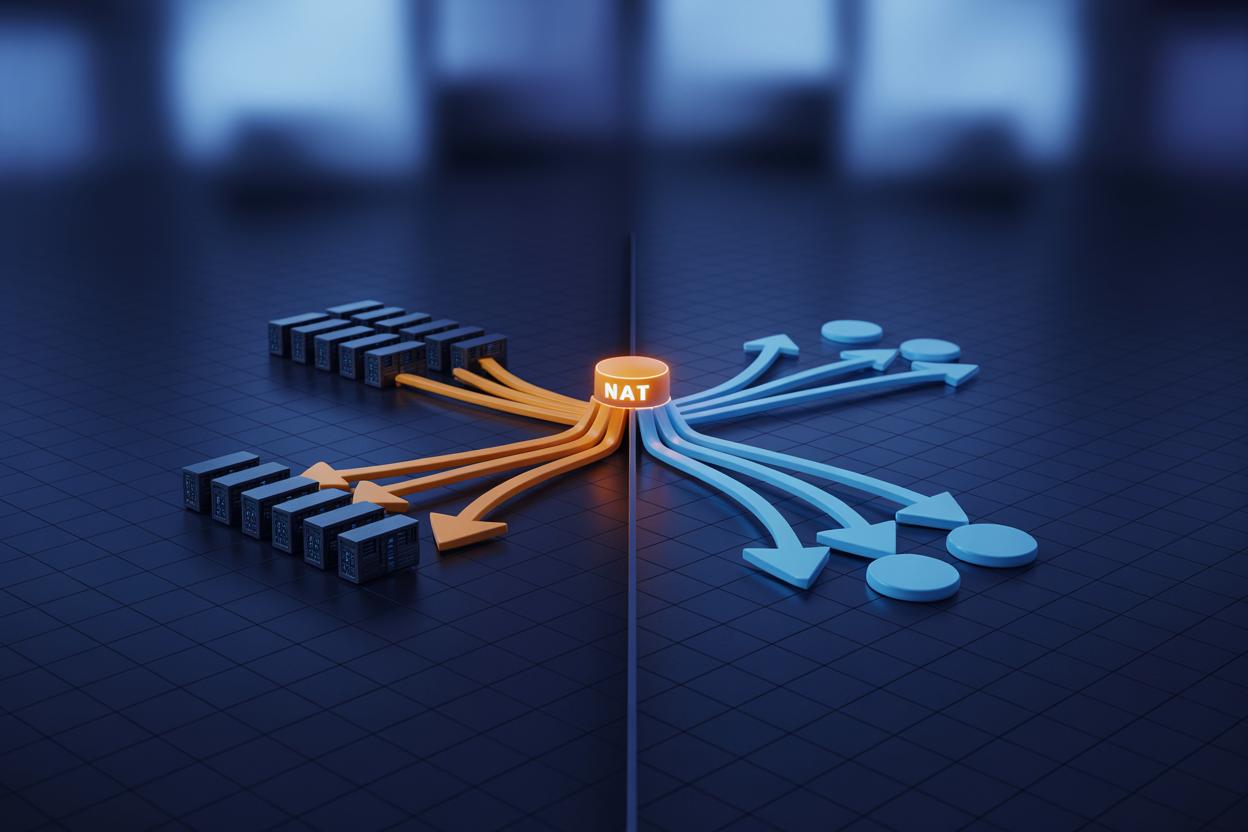
How NAT Enables Outbound Traffic Without Exposing Private Resources
NAT (Network Address Translation) lets private subnet resources reach the internet for updates or API calls by masking their private IPs behind a public address. Inbound connections are blocked automatically, keeping your databases and app servers protected while still allowing necessary outbound private subnet outbound access through your AWS VPC architecture.
Designing a Secure and Scalable VPC Architecture Using These Components Together

Best Practices for Combining Public and Private Subnets
Place load balancers and bastion hosts in public subnets, keeping databases and app servers private. Use NAT gateways for outbound-only access.
Multi-AZ Design for High Availability
- Spread subnets across at least two AZs
- Deploy NAT gateways per AZ to avoid single points of failure
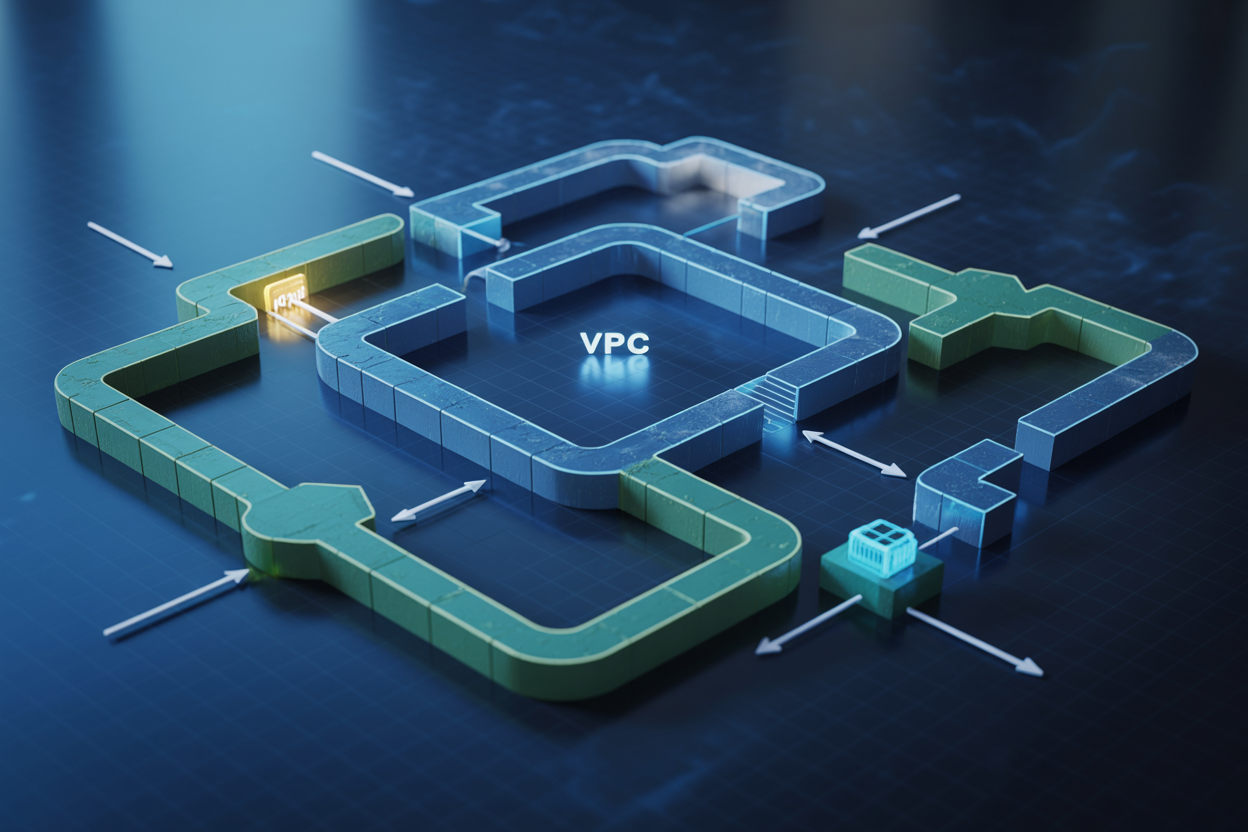
Getting your AWS VPC architecture right from the start saves you a lot of headaches down the road. Public subnets handle the resources that need to face the internet, private subnets keep your sensitive workloads locked away from direct exposure, and internet gateways act as the bridge between your VPC and the public internet. NAT gateways and NAT instances round things out by letting your private resources reach the internet for updates or API calls without opening them up to inbound traffic.
When you put all these pieces together thoughtfully, you get a cloud setup that balances accessibility with security — one that can grow with your needs without becoming a tangled mess. If you’re building or redesigning your VPC, start by mapping out which resources truly need public access and which ones should stay hidden. That single decision shapes everything else. Take the time to plan it right, and your infrastructure will be both solid and easy to manage as your application scales.
The post AWS VPC Architecture: Public vs Private Subnets, NAT, and Internet Gateways first appeared on Business Compass LLC.
from Business Compass LLC https://ift.tt/Y4HBKbJ
via IFTTT


Comments
Post a Comment