Dockerless CI/CD: Building Container Images on Locked-Down Runners
Dockerless CI/CD: Building Container Images on Locked-Down Runners
If you’ve ever tried to build container images inside a Kubernetes-based CI/CD pipeline and hit a wall because Docker isn’t available — or isn’t allowed — you’re not alone. Security teams are locking down runners more aggressively than ever, and Docker-in-Docker is often the first thing to go. That leaves a lot of engineering teams scrambling for a reliable way to keep their build pipelines running without punching holes in their security posture.
This guide is for DevOps engineers, platform engineers, and security-conscious teams who need to build container images without Docker in environments where privileged access is off the table.
Here’s what we’ll walk through together:
- Why Docker-in-Docker breaks on locked-down Kubernetes runners — and what’s actually going on under the hood when it fails
- The real alternatives for daemonless container builds — including a hands-on look at tools like Kaniko and Buildah, so you can pick the right one for your setup
- How to lock down your dockerless build pipeline end to end — covering rootless container builds, least-privilege configurations, and CI/CD security best practices that won’t slow your team down
By the end, you’ll have a clear path to running a secure container build pipeline without Docker, no guesswork required.
Understanding the Challenge of Docker-in-Docker on Locked-Down Runners
Why Traditional Docker Builds Fail in Restricted CI/CD Environments
Running Docker inside CI runners needs privileged access — something locked-down Kubernetes clusters block entirely. Without root privileges, the Docker daemon simply won’t start.
Security Risks That Force Organizations to Disable Docker Daemons
Privileged containers can escape sandbox boundaries, exposing host systems.
The Real Cost of Insecure Container Build Pipelines
- Breached pipelines mean compromised production images
Exploring Daemonless Container Build Tools

Kaniko: Building Images Inside Unprivileged Containers
Kaniko runs entirely in userspace, extracting and building layers without needing a Docker daemon.
Buildah: Rootless Builds Without a Running Daemon
Buildah manipulates OCI images directly, perfect for locked-down Kubernetes runners.
img & Podman
Both handle daemonless container builds securely, supporting rootless container builds across tight CI/CD security best practices environments.
Comparing Dockerless Build Approaches for Your Pipeline
Performance Benchmarks Across Popular Daemonless Tools
- Kaniko: Slower cold builds but reliable in Kubernetes
- Buildah: Faster layer handling, rootless container builds shine here
- img: Lightweight but less maintained
Compatibility With Major CI Platforms Like GitHub Actions and GitLab CI
All three tools work across platforms, though Kaniko leads in locked-down Kubernetes runners.
Caching Strategies to Keep Builds Fast Without Docker
Push cache layers to your registry using --cache-to flags.
Implementing Kaniko in a Locked-Down CI/CD Pipeline
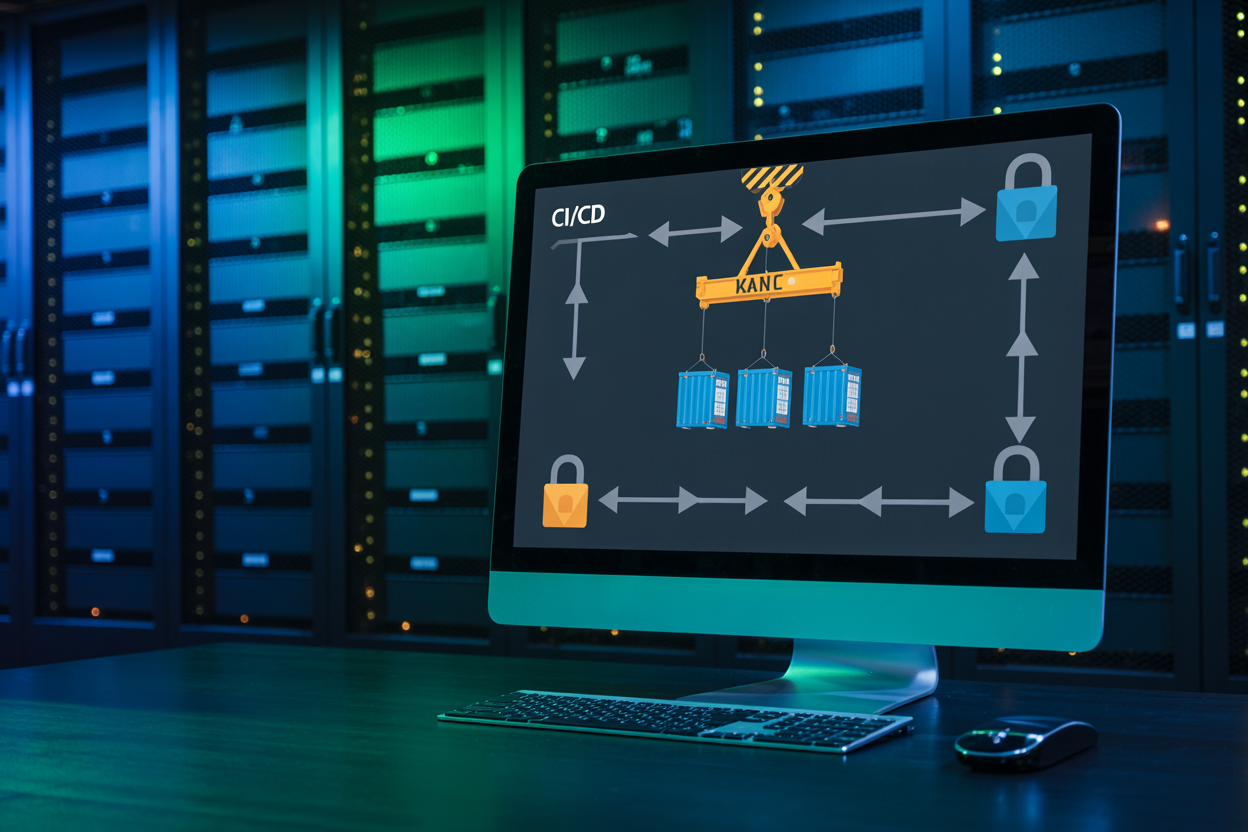
Setting Up Kaniko as a Build Step in Your Workflow
Drop the gcr.io/kaniko-project/executor image directly into your pipeline job, mounting your Dockerfile context and credentials. It runs unprivileged, making it perfect for locked-down Kubernetes runners where Docker-in-Docker fails. Pair it with --cache=true and a registry cache repo to slash rebuild times across your Kaniko CI/CD pipeline.
Securing Your Dockerless Build Pipeline End to End

Enforcing Least-Privilege Principles on CI Runners
Run Kaniko or Buildah with read-only service accounts scoped to specific registries.
Scanning Built Images for Vulnerabilities Before Deployment
Plug Trivy or Grype directly into your secure container build pipeline post-build.
Signing and Verifying Images to Prevent Supply Chain Attacks
Use Cosign to sign every image, blocking unsigned deployments via admission controllers.
Overcoming Common Pitfalls in Dockerless CI/CD Setups
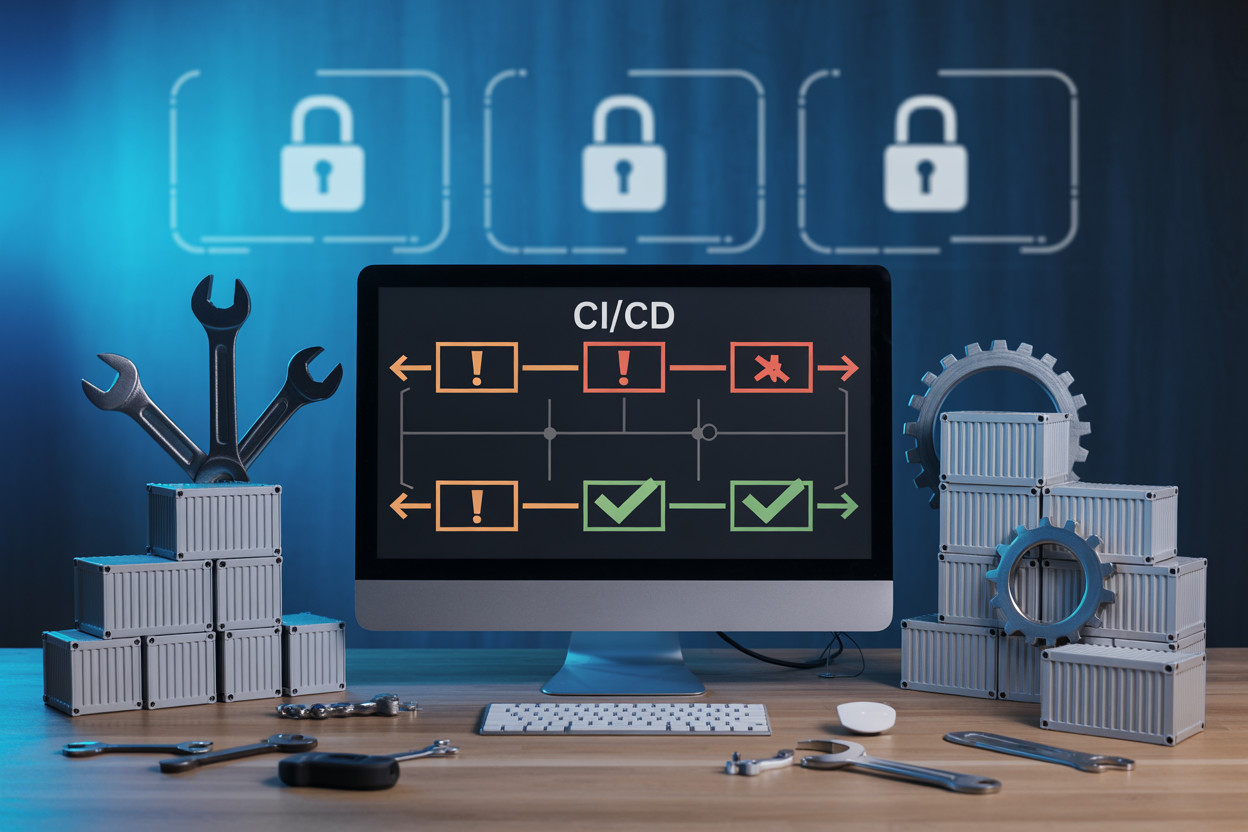
Debugging Build Failures Without a Local Docker Daemon
Check build logs directly in your CI runner output — tools like Kaniko print layer-by-layer errors clearly.
Managing Base Image Access in Air-Gapped Environments
Mirror base images to an internal registry beforehand.
Resolving Permission Issues in Rootless Build Contexts
Run Buildah with --userns=keep-id.
Keeping Build Definitions Portable
Stick to standard Dockerfile syntax.

Running container builds without Docker might have seemed impossible a few years ago, but tools like Kaniko and other daemonless alternatives have completely changed the game. From understanding why Docker-in-Docker creates security headaches on locked-down runners, to comparing build tools and locking down your pipeline end to end, there are solid, practical paths forward that don’t require compromising your security posture.
The shift to dockerless CI/CD does come with a learning curve, and you’ll likely hit a few bumps along the way — but the common pitfalls are well-documented and very much solvable. If your team is working in a restricted environment and struggling to get container builds running safely, picking up Kaniko or a similar tool and following a secure-by-default setup is absolutely worth the effort. Start small, test your pipeline thoroughly, and you’ll have a reliable, locked-down build process that works with your security requirements rather than against them.
The post Dockerless CI/CD: Building Container Images on Locked-Down Runners first appeared on Business Compass LLC.
from Business Compass LLC https://ift.tt/dbf5EAh
via IFTTT


Comments
Post a Comment