Deploying AWS Static Websites with Terraform, S3, CloudFront, and Backend State
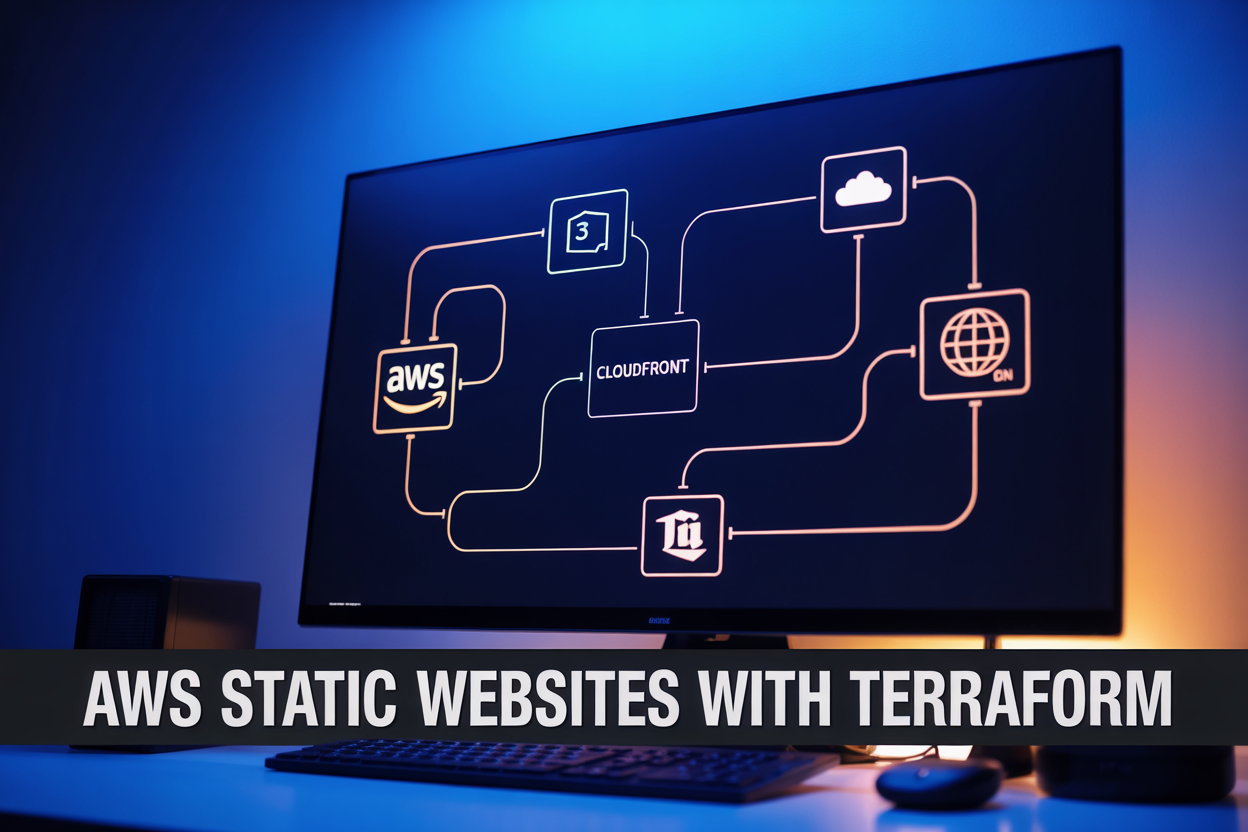
Deploy an AWS Static Website with Terraform, S3, and CloudFront
If you’ve ever manually clicked through the AWS console to host a static site, you already know how quickly that setup becomes a headache to reproduce or scale. This guide walks you through deploying an AWS static website with Terraform using S3 for hosting and CloudFront as your CDN — all managed as infrastructure as code.
This is for developers and DevOps engineers who want a repeatable, version-controlled setup instead of a fragile one-off configuration.
Here’s what you’ll get out of this:
- Terraform remote state with S3 and DynamoDB — so your infrastructure state is stored safely and your team can collaborate without stepping on each other
- S3 static website hosting plus a CloudFront distribution — giving you a fast, globally distributed site with proper caching and HTTPS
- Automated deployments — so pushing changes doesn’t mean logging into the console and guessing what broke
By the end, you’ll have a production-ready Terraform CloudFront distribution wired up to an S3 bucket, with remote backend state keeping everything locked down and consistent across environments. No hand-waving — just working code you can drop into a real project.
Understanding the Core Technologies and Their Roles

Why AWS S3, CloudFront, and Terraform Work Together
Deploying an AWS static website with Terraform combines three powerful tools: S3 handles cheap, reliable file storage; CloudFront delivers content globally with HTTPS and caching; Terraform automates everything as code. Adding remote state with DynamoDB keeps your team synchronized, preventing conflicting infrastructure changes during collaboration.
Setting Up Your Terraform Project Structure

Organizing Files and Modules for Scalability
Structure your project with separate files: main.tf, variables.tf, outputs.tf, and providers.tf.
Configuring the AWS Provider and Required Versions
terraform {
  required_providers {
    aws = { source = "hashicorp/aws", version = "~> 5.0" }
  }
}
Defining Variables for Flexible and Reusable Code
bucket_nameenvironmentregion
Configuring Remote Backend State with S3 and DynamoDB

Creating the S3 Bucket to Store Terraform State Securely
Enable versioning and encryption on your state bucket. Use these key settings:
versioning { enabled = true }server_side_encryption_configuration
Setting Up DynamoDB for State Locking
Create a table with LockID as the partition key to prevent simultaneous state corruption.
Connecting Your Terraform Backend Configuration
backend "s3" { bucket = "my-tf-state" dynamodb_table = "tf-locks" }
Building and Configuring the S3 Static Website Bucket

Creating the S3 Bucket with the Right Permissions
- Block all public access by default; grant access only through CloudFront using an Origin Access Identity (OAI).
Enabling Static Website Hosting
- Set
index_documenttoindex.htmlanderror_documentto404.htmlinside theaws_s3_bucket_website_configurationblock.
Bucket Policies, File Uploads & Versioning
- Use
aws_s3_objectto auto-upload files and enable versioning to recover accidentally deleted content.
Deploying CloudFront as Your Content Delivery Layer

Creating a CloudFront Distribution Pointed at Your S3 Origin
Use aws_cloudfront_distribution in Terraform, setting your S3 bucket as the origin with an Origin Access Control (OAC).
Enforcing HTTPS with SSL Certificates Using ACM
Reference your ACM certificate ARN and set ssl_support_method = "sni-only".
Optimizing Cache Behavior for Faster Load Times
- Set TTLs per path pattern
- Compress objects automatically
Automating Deployments and Managing Infrastructure Changes

Running Terraform Plan to Safely Preview Changes
Run terraform plan before every change to catch surprises early.
Applying and Destroying Infrastructure
terraform applydeploys your AWS static website Terraform setupterraform destroycleanly tears everything down
Updating Website Content
Push new files directly to S3 — no infrastructure rebuild needed.
Using Terraform Outputs
Access CloudFront URLs and S3 bucket names instantly via terraform output.

Deploying a static website on AWS using Terraform, S3, and CloudFront might seem like a lot of moving parts at first, but once everything clicks into place, you have a solid, scalable setup that practically runs itself. From organizing your Terraform project structure to locking down your backend state with S3 and DynamoDB, each piece plays a specific role in keeping your infrastructure clean and manageable. Pairing your S3 bucket with CloudFront means your content gets delivered fast to users no matter where they are, and having Terraform handle the heavy lifting makes future changes and updates far less painful.
The real win here is that you are building something repeatable and reliable. Once your pipeline is set up, deploying changes becomes a smooth, automated process rather than a manual headache. If you have been putting off moving your static site to a proper cloud setup, this stack is a great place to start. Give it a shot, and you will quickly see why so many teams lean on these tools to keep their infrastructure predictable and easy to manage.
The post Deploying AWS Static Websites with Terraform, S3, CloudFront, and Backend State first appeared on Business Compass LLC.
from Business Compass LLC https://ift.tt/yYndRK7
via IFTTT


Comments
Post a Comment