Seamless Cloud Migration: Harness the Power of AWS Data Transfer Terminal
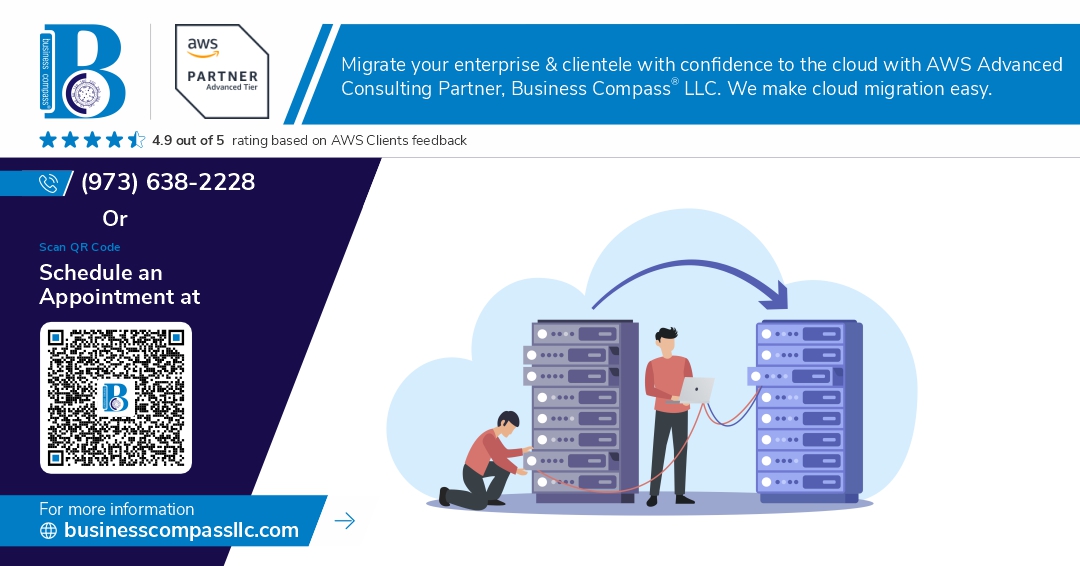
Migrating data to the cloud can be daunting, especially when faced with large-scale transfers, security concerns, and minimal downtime requirements. AWS Data Transfer Terminal offers a robust solution, enabling organizations to perform secure, efficient, and seamless data migrations from on-premises infrastructure to AWS Cloud. This guide explores how AWS Data Transfer Terminal streamlines cloud adoption and enhances data migration strategies.
What is AWS Data Transfer Terminal?
AWS Data Transfer Terminal is an integrated interface that simplifies and accelerates data migration tasks. It consolidates multiple AWS data transfer services into one unified experience, allowing users to manage jobs using tools like:
AWS Snow Family (Snowcone, Snowball, Snowmobile)
AWS DataSync
Amazon S3 Transfer Acceleration
S3 Multipart Uploads and Batch Operations
AWS Transfer Family
The Terminal provides a command-line interface (CLI) and web-based GUI to initiate, monitor, and optimize data transfer operations across hybrid and cloud-native environments.
Key Benefits of Using AWS Data Transfer Terminal
1. Unified Interface
Eliminate the complexity of switching between tools—manage everything from a single dashboard or CLI interface.
2. High-Speed Transfers
Leverage services like S3 Transfer Acceleration and AWS DataSync to dramatically reduce transfer time.
3. Offline and Online Flexibility
Use Snowball for terabytes of offline data migration or DataSync for online real-time sync—choose what fits your bandwidth and use case.
4. Secure End-to-End Encryption
Ensure data security with automatic encryption in transit and at rest, adhering to industry compliance standards.
5. Monitoring and Logging
Gain real-time insights with integrated AWS CloudWatch and event notifications, helping teams stay informed and in control.
Use Cases for AWS Data Transfer Terminal
Enterprise Cloud Migration Projects: Lift-and-shift large-scale datasets to Amazon S3 or Amazon EFS.
Disaster Recovery and Backups: Quickly recover and back up critical data from edge locations.
Hybrid Data Synchronization: Keep on-prem and cloud storage in sync with AWS DataSync and AWS Transfer Family.
Edge Computing Transfers: Move edge device data using Snowcone/Snowball for IoT and remote operations.
Best Practices for a Smooth Migration
Assess Bandwidth and Data Size: Choose online (DataSync, Transfer Family) or offline (Snowball, Snowmobile) methods.
Automate with AWS CLI and SDKs: Script data migrations using AWS Data Transfer Terminal’s CLI for repeatable processes.
Plan for Downtime: Schedule migrations during low-traffic periods and leverage tools that support incremental syncs to reduce disruption.
Encrypt and Validate: Use built-in encryption and checksum validation to ensure data integrity throughout the transfer.
Conclusion
AWS Data Transfer Terminal is a game-changer for cloud migration, offering centralized control, scalability, and robust security. Whether you’re migrating a few gigabytes or petabytes of critical data, this tool empowers teams to accelerate their journey to the cloud with confidenceAWS Data Transfer Terminal


Comments
Post a Comment