AWS Migration Meets DevSecOps: A Step-by-Step Guide with Open Source Security Scanners
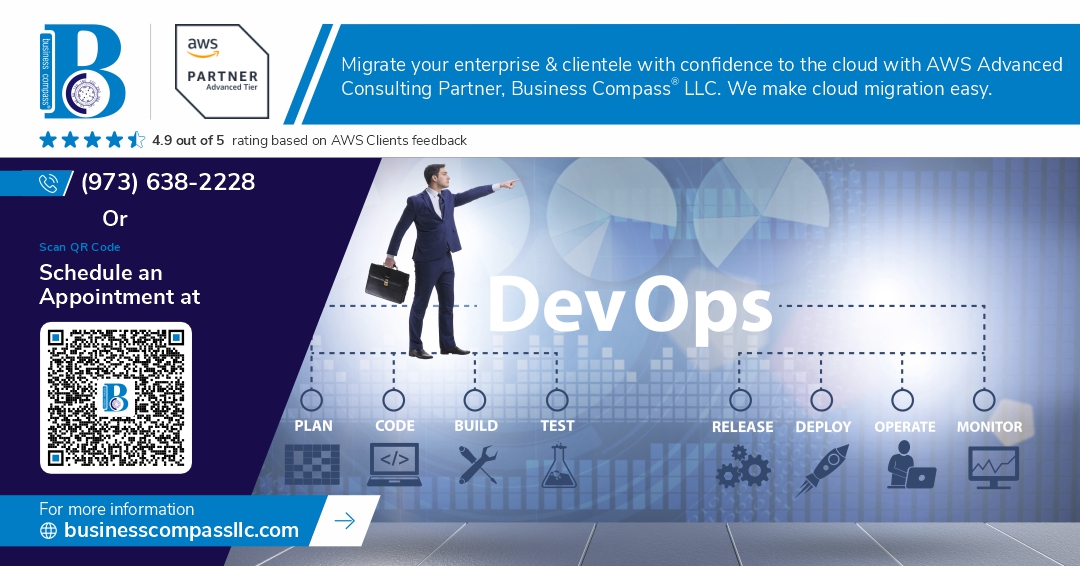
Migrating workloads to Amazon Web Services (AWS) is a significant milestone for businesses seeking scalability, efficiency, and innovation. However, a successful migration is not just about shifting workloads but embedding security at every phase. This is where DevSecOps comes into play, blending development, security, and operations into a unified, automated workflow.
In this guide, we explore how to migrate to AWS securely using a DevSecOps approach, incorporating open-source security scanners at each step of your CI/CD pipeline.
Why DevSecOps Matters in AWS Migration
AWS provides robust security features out of the box, but the shared responsibility model means customers must secure what they put into the cloud. DevSecOps ensures:
Security is integrated early in the development cycle
Vulnerabilities are detected continuously.
Compliance is enforced automatically.
With DevSecOps, migration becomes a secure-by-design transformation, not just a lift-and-shift operation.
Step-by-Step AWS Migration with DevSecOps
1. Assessment and Planning Phase
Inventory your workloads and classify data based on sensitivity.
Choose a migration strategy (Rehost, Replatform, Refactor).
Define security and compliance requirements (e.g., GDPR, HIPAA).
Security Focus: Evaluate risks associated with legacy systems, identity management, and data transit.
2. Set Up CI/CD Pipeline with Security Integration
Choose tools such as:
Jenkins, GitHub Actions, GitLab CI/CD for orchestration
Terraform or AWS CloudFormation for infrastructure as code (IaC)
Security Integration:
Embed scanners like:
Checkov – Scans IaC for misconfigurations
TFLint – Lints Terraform code
Kics – Identifies compliance and security issues in configurations.
3. Infrastructure Deployment
Set up AWS accounts with least privilege IAM policies.
Use AWS Organizations, Service Control Policies (SCPs), and VPC configurations to enforce isolation and security.
Security Scanner:
Scout Suite – Audits AWS services for security posture
4. Application Migration & Deployment
Containerize workloads with Docker or use AWS ECS/EKS.
Automate deployments using AWS CodePipeline or Spinnaker
App Security Tools:
Trivy – Scans container images for vulnerabilities
OWASP ZAP – Conducts dynamic application security testing (DAST)
5. Monitoring & Runtime Security
Use AWS-native tools:
CloudTrail, Config, GuardDuty, Security Hub
Open Source Complement:
Falco – Detects abnormal behavior in containerized environments
OSSEC/Wazuh – Hosts intrusion detection and monitoring
6. Compliance and Reporting
Ensure continuous compliance through:
Automated audits via Security Hub + custom scripts
Custom dashboards with ELK Stack or Grafana
Bonus Tool:
CloudMapper – Visualizes and audits AWS environments for misconfigurations.
Best Practices for DevSecOps in AWS Migration
Shift left on security — start early and automate
Make security everyone’s responsibility.
Continuously scan, not just pre-deployment
Integrate threat intelligence into your CI/CD.


Comments
Post a Comment